
Blog
-
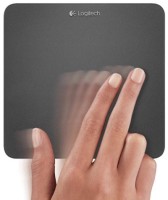
Surface Pro, Day 14: Ditch the mouse, get a touchpad
30 Days with Surface Pro: Day 14 Over the course of this 30 Days with Surface Pro series so far, I’ve been using the tablet mostly as a “desktop PC”–connected to a monitor and mouse, while sitting at my desk. That works OK, but for Day 14 I am making the switch from a mouse…
-
Surface Pro, Day 13: Dealing with limited storage capacity
30 Days with Surface Pro: Day 13 In many…no, strike that. In most ways there is functionally no difference between a Surface Pro and any other Windows laptop or desktop PC. The one crucial difference is that the Surface Pro only has 64GB or 128GB of internal storage. So, for Day 13 of the 30…
-
Can a smartphone completely replace the PC?
If you think investing 30 days to immerse myself in a new technology is impressive, then this might blow your mind. One man gave up his PC, and other devices, and used just a smartphone for all of his work and communications for an entire year. As in, 365 days. Like, twelve consecutive 30 Days…
-
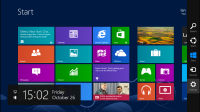
Surface Pro, Day 12: Getting to know the Charms Bar
30 days with Surface Pro: Day 12 Life used to be so simple. No matter what you wanted to do or access in Windows, you could just click on the Start button at the bottom left corner, and voila! But, Windows 8 has no Start button. Day 12 of 30 Days with Surface Pro is…
-
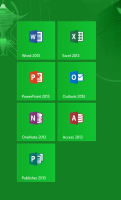
Surface Pro, Day 11: Using Microsoft Office on a Surface Pro
30 Days with Surface Pro: Day 11 Day 11 of the 30 Days with Surface Pro journey focuses on using Microsoft Office on the tablet. One of the best things about using a Windows tablet–as opposed to an iPad, Kindle Fire, or any other tablet–is that it has Microsoft Office. A Surface RT has Office,…
-
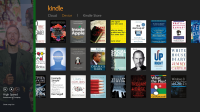
Surface Pro, Day 10: Multitasking on the Surface Pro
30 Days with Surface Pro: Day 10 Most of the time that I am using just about any device–PC, tablet, or smartphone–I am multitasking. I may be researching information in a Web browser while writing a report in Microsoft Word, or listening to music while reading a book in the Kindle app. For Day 10…